This article will guide you on how to search patient discharge details register from Discharge register.
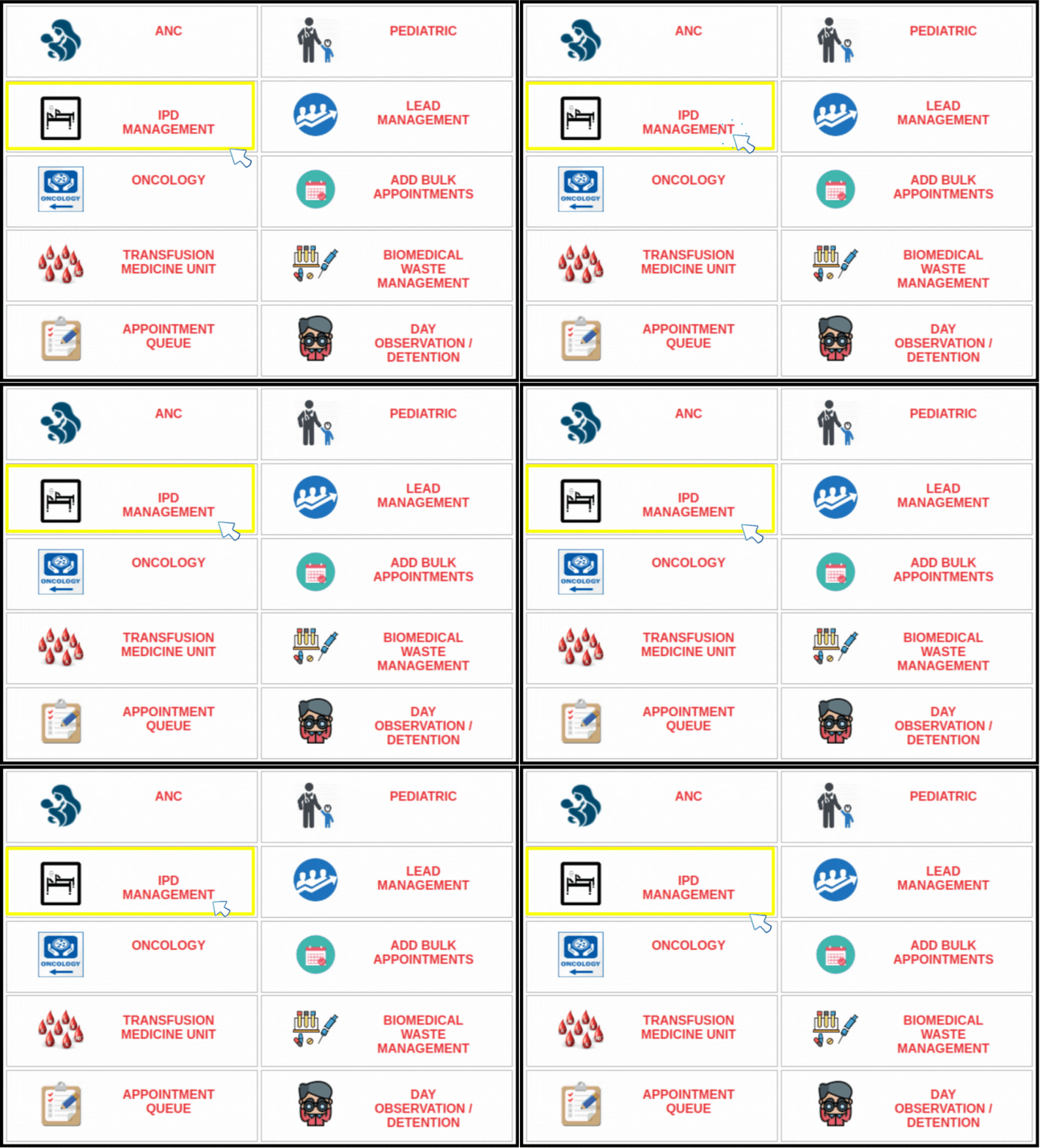
1. Click on the “IPD Management” option available on the Dashboard.
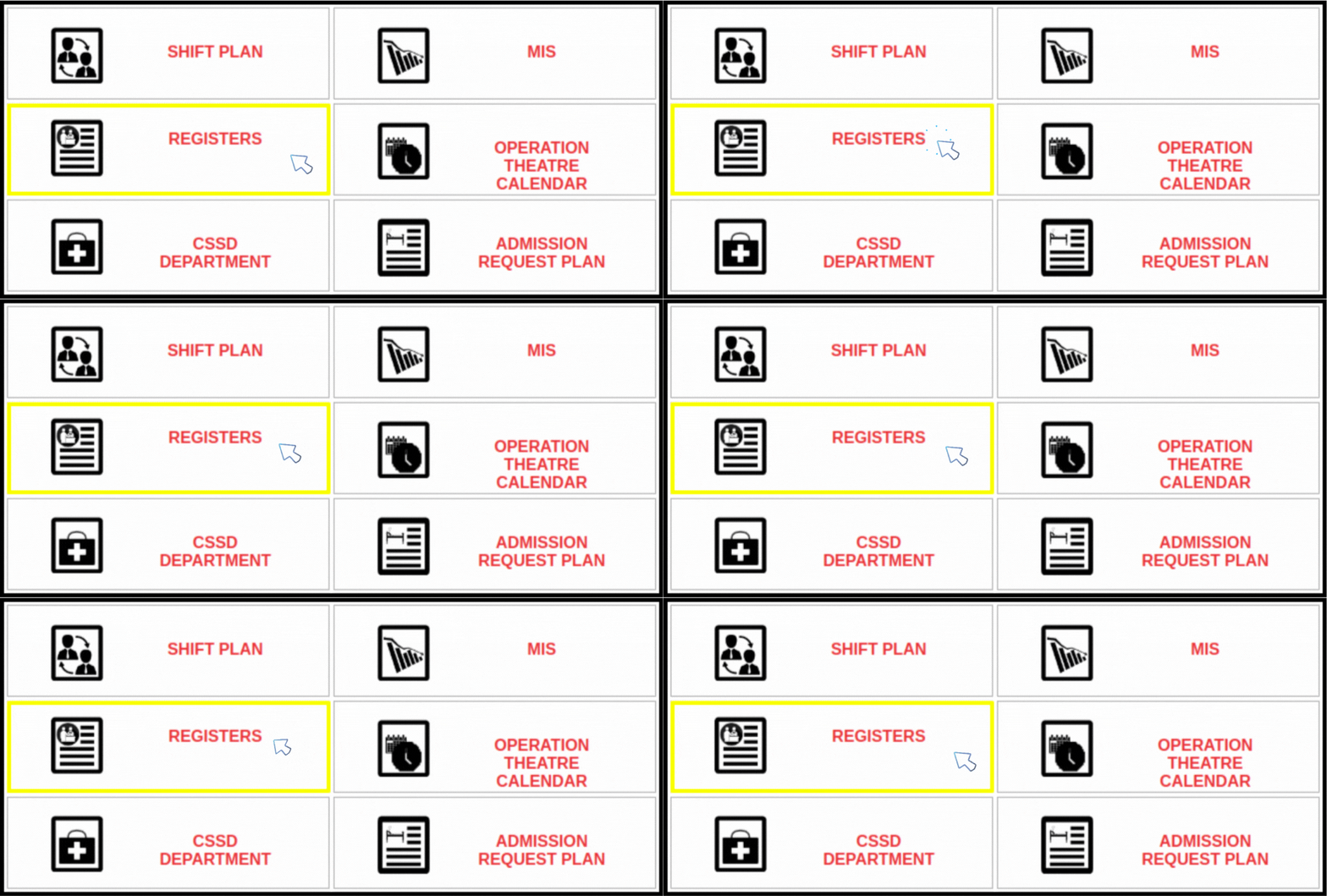
3. Click on the “Registers” option available on the IPD Management sub menu as shown below.
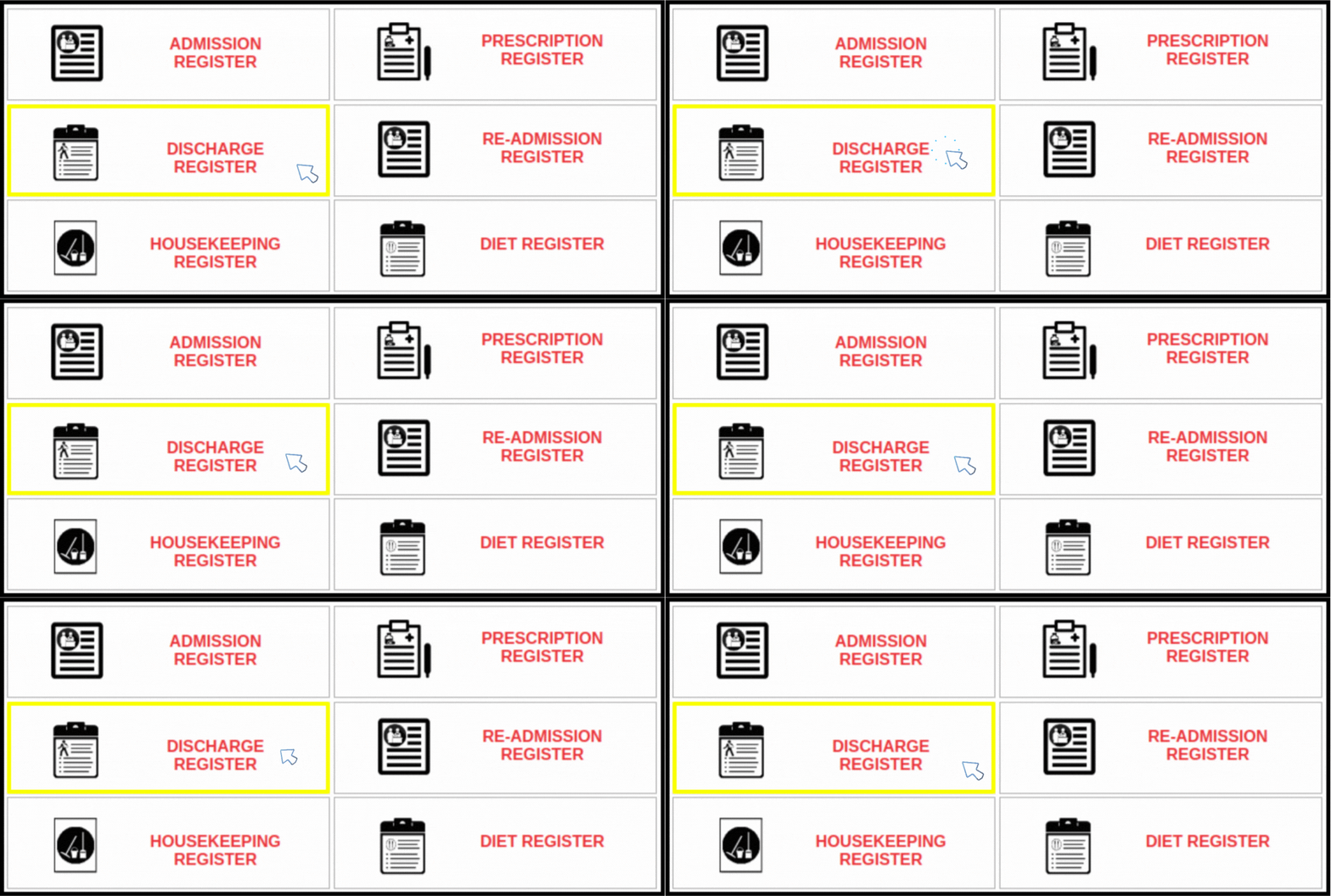
4. Click on the “Discharge Registers” option available as shown below.
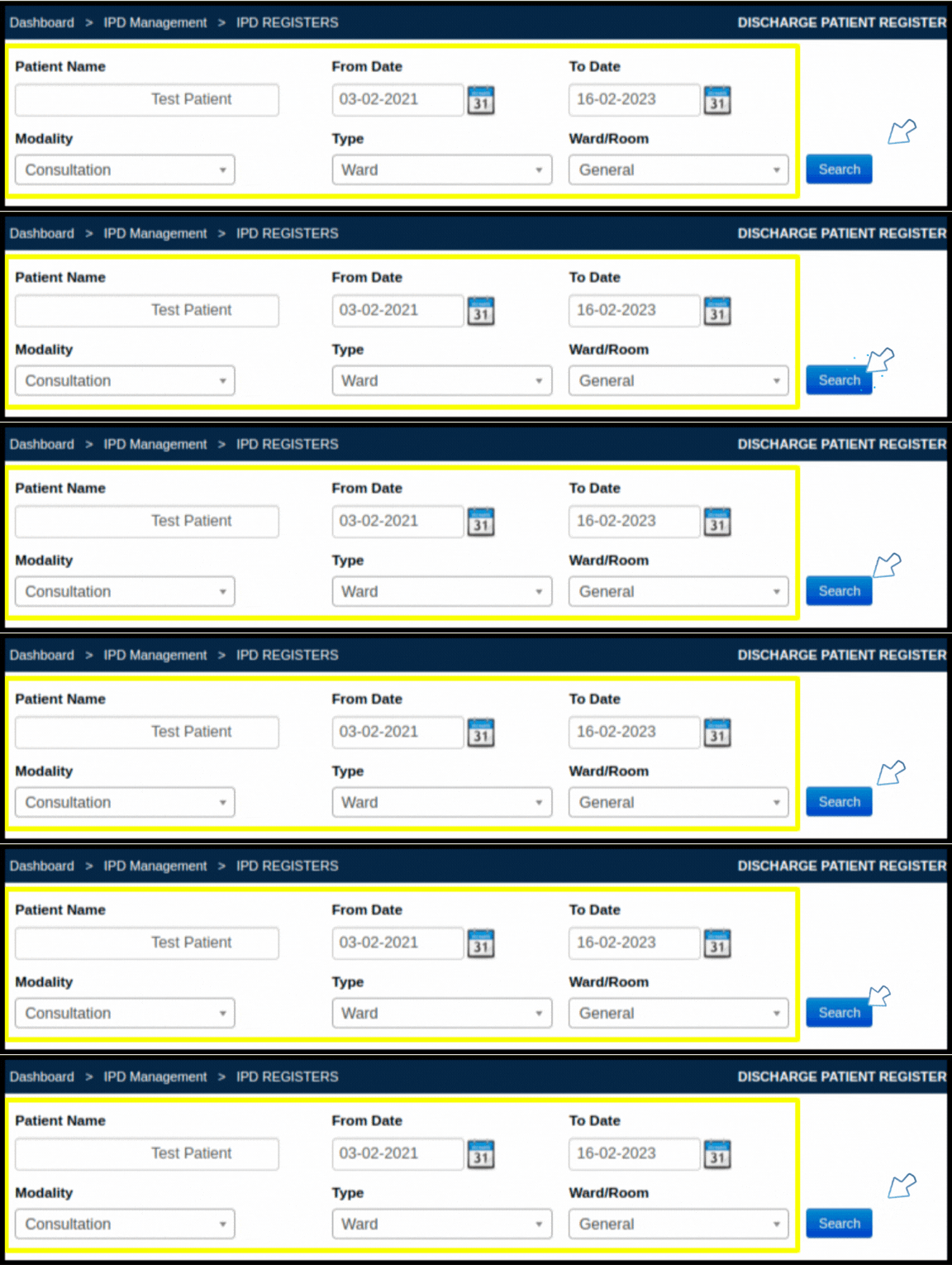
5. Enter “Patient Name”, “Start Date”, “End Date” “Modality”, “Type” and “Ward/Room” from list box.
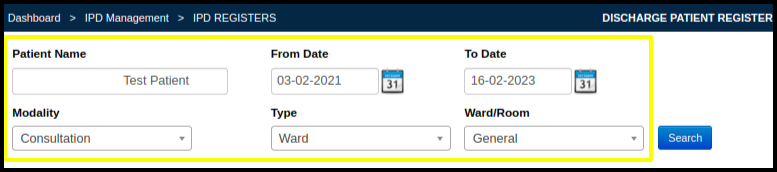
5. Click on “Search” button. It will show discharged patient details like Patients Name, Visit Date, Admission Date, etc.
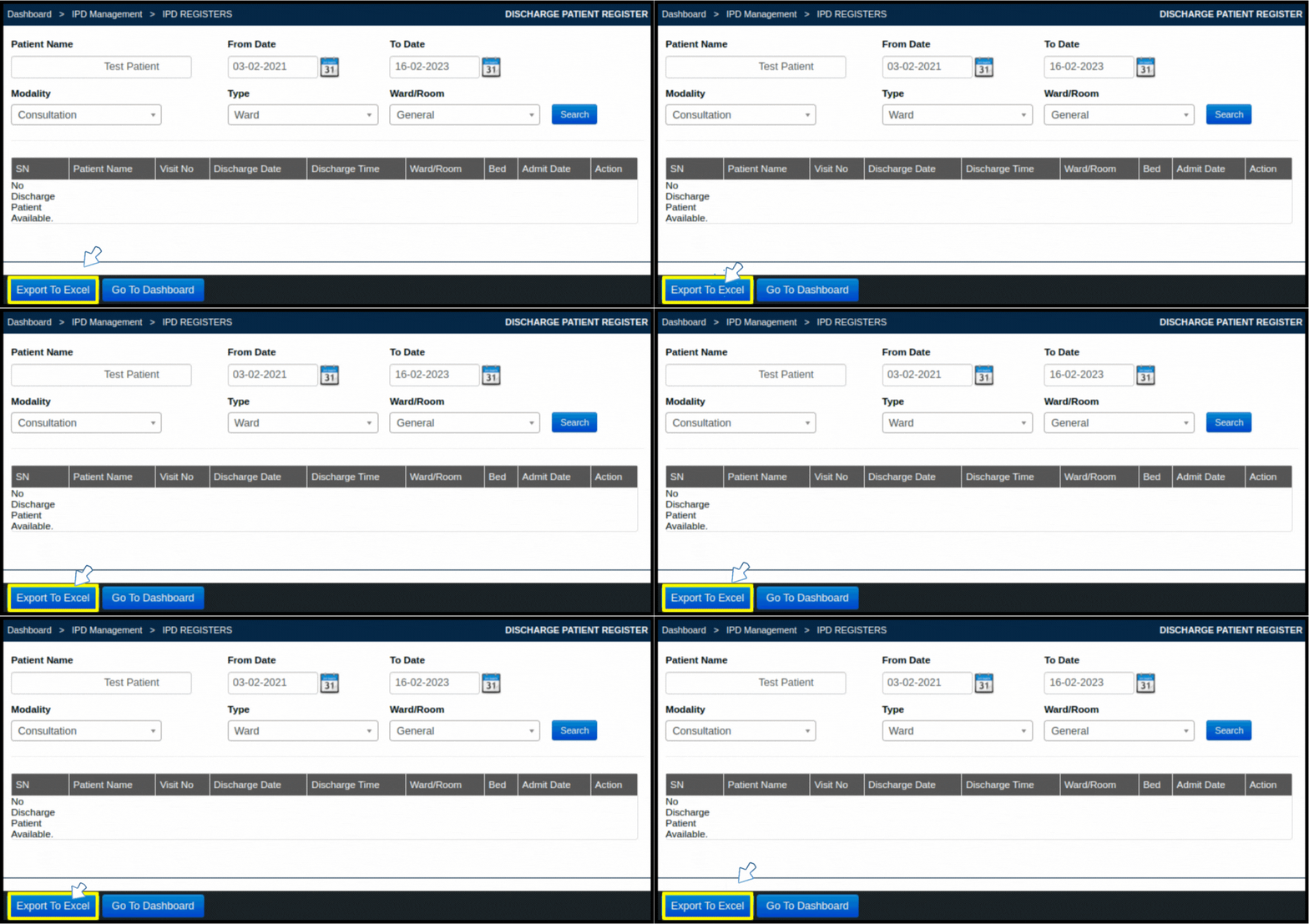
5. You can also export these details in excel file by clicking “Export to Excel” as shown below.
By the time
Acid House music
was emerging in the late 80s, he was active in thi Sorry, Bernie,
but if the F1 circus had been exciting up till now, we would have been on the edge of our chairs, but
we have you and the FIA to blame for the
current lack-luster racing. To make it easier for clients to obtain
free terminals, eService launched the www. Automatic Continuous Blowdown A continuous blowdown system
use a calibrated valve and
a blowdown tap near the
boiler water surface. When the thrill of watching isn't enough,
the situation
escalates to a
dangerous and terrifying level. This evolution was itself the result of God's desire for complete self-awareness.